
How-to
How to find someone by photo
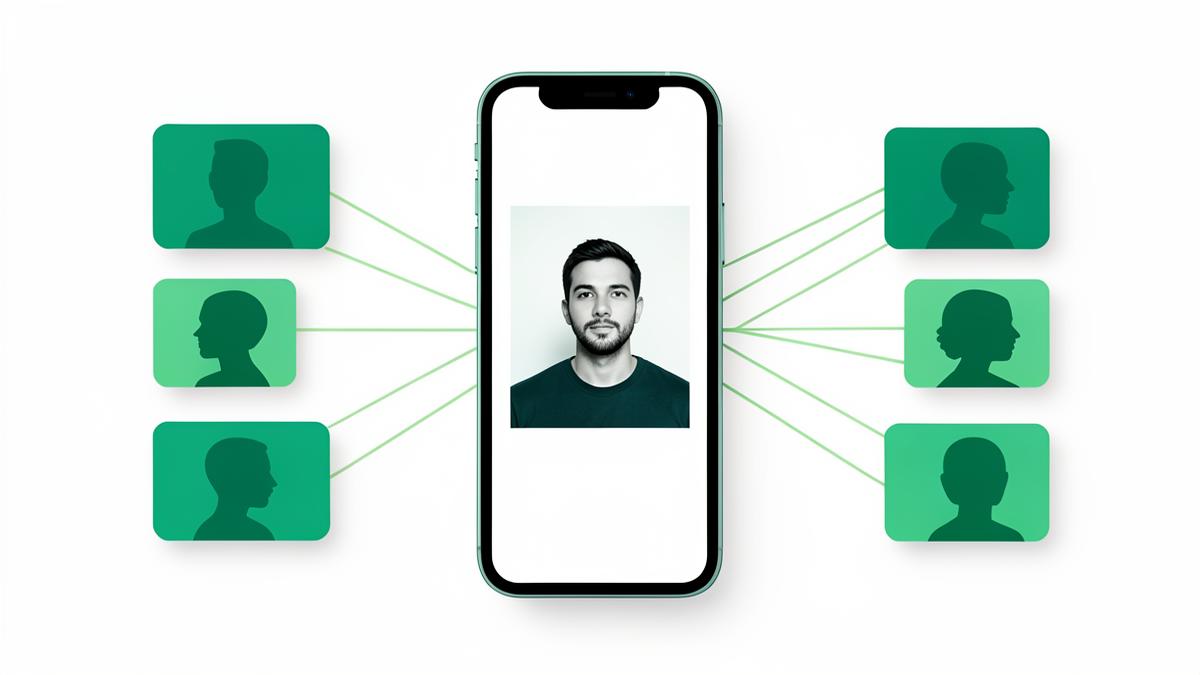
One photo is often the only thing you have: a dating match, a message request, a screenshot from a friend. Here is how a face search turns that into verifiable results — and where it stops.
Key takeaways
- A face search compares facial geometry, so it finds a person across cropped, filtered and re-uploaded pictures.
- Use a sharp, front-facing photo where the face fills a good part of the frame — resolution matters more than file size.
- Treat matches above roughly 90% similarity as strong, 75–90% as needing manual review, below that as lookalikes.
- Confirm any match with a second signal — a username, a location detail, another photo — before you act on it.
Finding a person from a picture used to mean asking around. Today it is a search problem: the same face usually appears in more than one place online, and the job is to line those appearances up so you can see who is behind the photo.
This guide walks through the whole process — choosing the right photo, running the search, reading the results honestly, and verifying a match before it changes any decision you make.
What a face search actually does
A face search measures the geometry of a face — the relative distances and proportions that stay stable across pictures — and looks for that pattern in publicly reachable images. That is why it survives cropping, colour filters, compression and a change of hairstyle, while a file-based reverse image search often does not.
| Your question | Use | Why |
|---|---|---|
| Who is this person? | Face search | Finds other pictures of the same face |
| Where did this exact picture come from? | Reverse image search | Matches the file, not the person |
| Is this profile photo stolen? | Both | Face search finds the owner, image search finds the source |
| Is this product photo reused? | Reverse image search | No face to match |
Pick the right photo before you search anything
Prefer a front-facing shot
A face turned more than about 30 degrees away loses the landmarks matching depends on. Straight-on beats flattering.
Use the original file
A screenshot of a screenshot has already thrown away detail. Upload the original whenever you can get it.
Crop to the person
If a group photo contains five faces, crop to the one you care about. Otherwise the search has to guess which face you meant.
Avoid heavy obstructions
Sunglasses, masks, hats pulled low and strong side lighting all reduce hit rates. If you have several pictures, run the clearest ones separately.
How to read the results
Results arrive as a ranked list. Similarity is a confidence measure, not a verdict: it tells you how closely the facial geometry lines up, not whether the page belongs to the person you have in mind.
- Above ~90%: almost always the same person. Open the page and read the context.
- 75–90%: plausible. Look for a shared detail — the same jacket, the same background, the same handle.
- Below 75%: assume a lookalike until something else confirms it.
- Group by platform. A social profile, a marketplace listing and a forum post each mean something different.
Verify before you act
- Find a second, independent signal: a username that appears twice, a city mentioned in both places, a photo taken on the same day.
- Check the timeline. A profile created last week using photos from five years ago is a strong impersonation signal.
- Read the writing. Reused bios and copy-pasted captions travel with stolen photos.
- Save what you find — URL, screenshot with the address bar visible, similarity score — before anything gets deleted.
Use it responsibly
A face search is a safety and verification tool. Use it to check who you are talking to, to find copies of your own pictures, or to confirm that a seller or landlord is real. Do not use it to track, pressure or expose someone, and do not treat a match as proof of anything beyond what the page itself shows.
Check where your face appears
Upload one photo and FaceDetective scans public sources for matching profiles, image copies and web mentions. The scan and a preview of the matches are free.
Run a face scanSearch tools mentioned in this guide
- Face searchUpload one portrait and find every public photo of that person.
- Face finderSee which social and dating profiles use the same face.
- Find someone by photoIdentify a person when all you have is a picture — no name needed.
- PimEyes alternativeHow FaceDetective compares with PimEyes on price and results.
Frequently asked questions
Can you really find someone with just one photo?
Often, yes — if the person has any public image presence. A face search compares facial geometry against publicly reachable pictures and returns pages where the same face appears. If every account is private, no tool can see it.
Is a face search the same as a reverse image search?
No. A reverse image search matches the picture as a file, so it fails on cropped or edited copies. A face search matches the person, which is why it also surfaces completely different photos of the same face.
What similarity score means it is the same person?
As a rule of thumb, above 90% is a strong match, 75–90% deserves manual review, and anything lower should be treated as a possible lookalike until a second detail confirms it.
Is searching for someone by photo legal?
Searching publicly available images is generally lawful in most countries, but what you do with the result is what matters. Verification and protecting your own images are legitimate; harassment, stalking or exposing private information is not, and may be illegal where you live.
About the author
FaceDetective Research Team
Image forensics & online privacy
We build and test face and reverse image search technology at FaceDetective. Everything we publish is based on scans we run ourselves, on public sources and on documented platform policies.